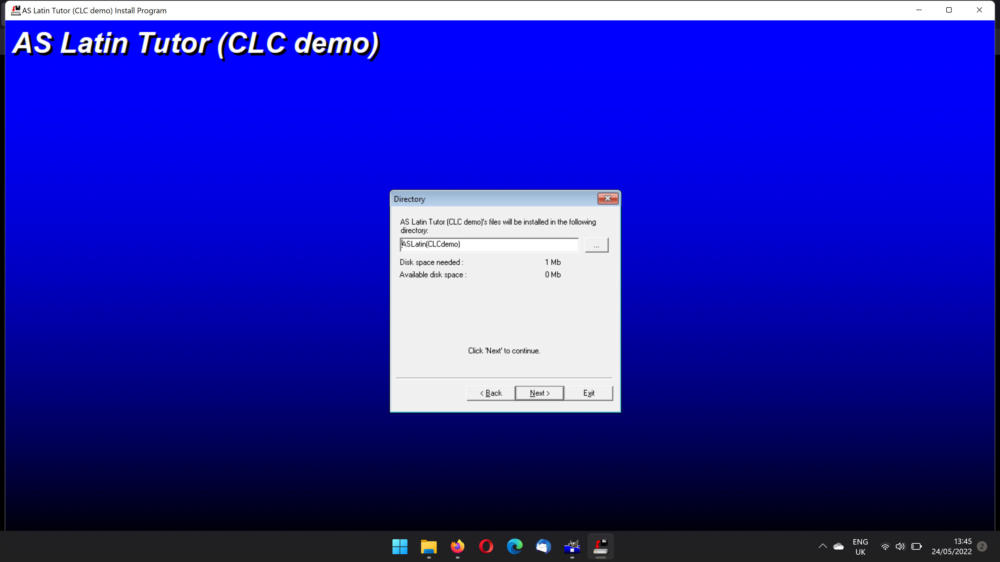
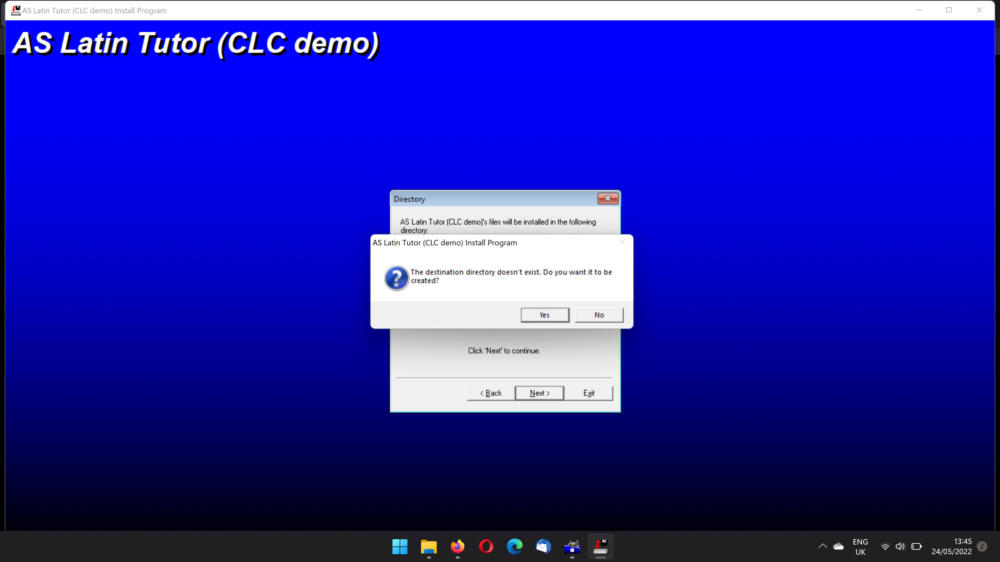
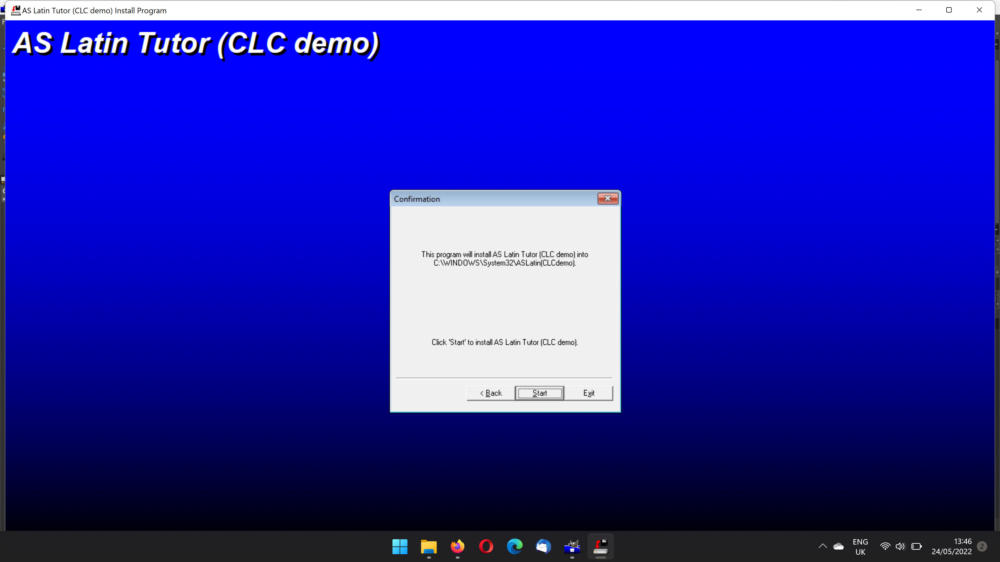
These instructions show how to install one of the demonstration programs on a Windows 11 computer. Other versions of Windows will give similar messages.
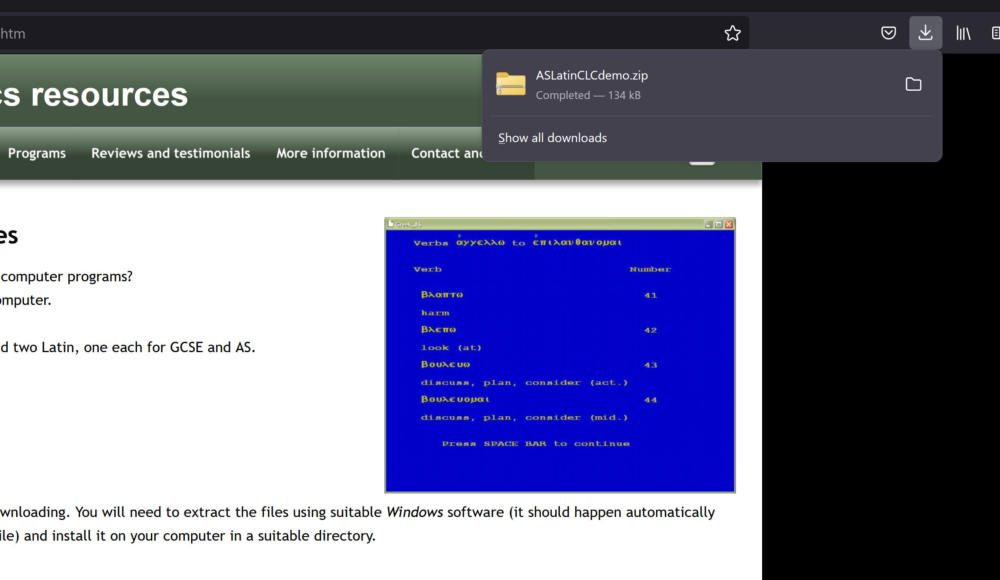
Click the link on the page to download the file. It should be very quick to download. A link to your downloaded file should appear. If not, find the program in the download area on your computer. Double click on it. This will launch the installer.
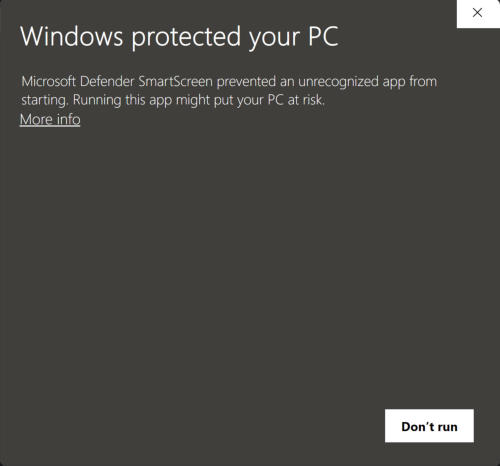
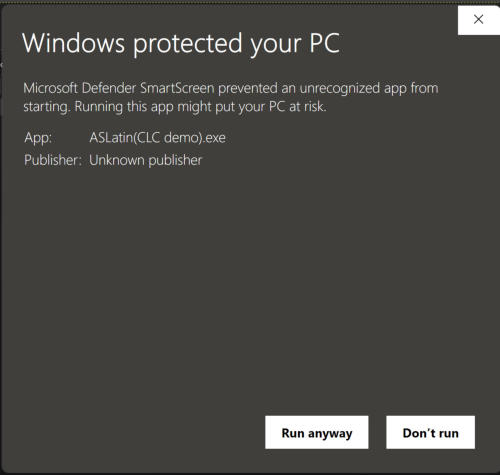
If you get a security warning, use More info (or equivalent) to run the installer anyway.If you get a security warning, use More info (or equivalent) to run the installer anyway.
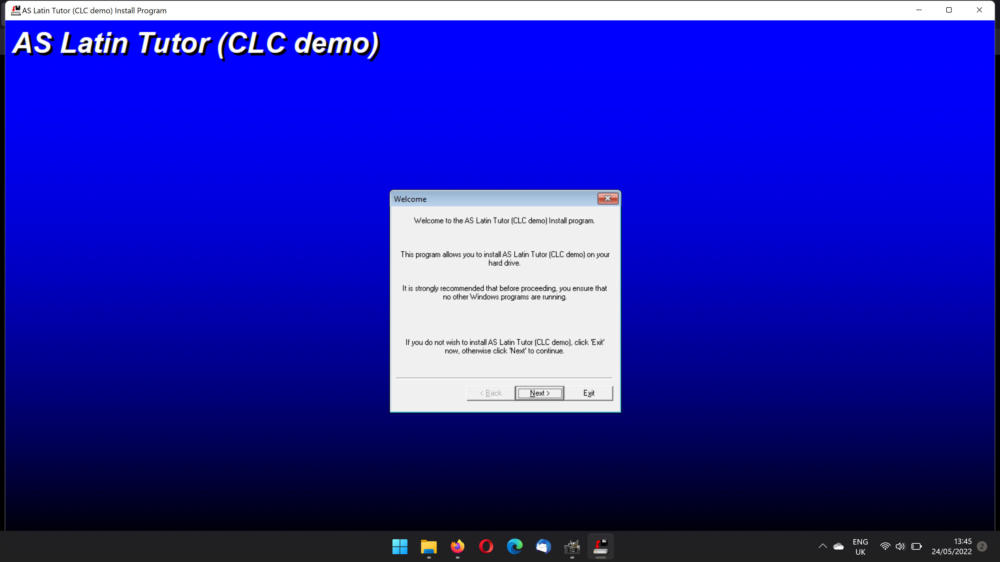
Click Next to continue.You can choose to install the file in a different place if you wish, otherwise click Next.Click Next to continue. The installation can then start.